Is your website running PHP? How to check and confirm you're patched
On 21 October 2026 the UK's National Cyber Security Centre (NCSC) issued an alert about a critical issue in PHP, tracked as CVE-2026-109618 and CVE-2026-109619. It affects all versions of PHP. An attacker can force an out-of-memory condition that corrupts memory, and under certain conditions that could allow unauthenticated remote code execution on the web server. PHP runs a large share of websites, including WordPress, Drupal and Joomla sites, so it is worth checking today.
What to do now
- Find every system running PHP, starting with anything facing the internet. Don't stop at old versions: every version is affected.
- Update to a patched release: 8.2.35, 8.3.36, 8.4.27 or 8.5.12 (or later).
- After updating, restart the web service (for example PHP-FPM, Apache or your hosting control panel's PHP service) so the new version is actually running.
- PHP 8.1 and older are end-of-life and have no official fix. Move to a supported version, or ask your vendor whether they provide a backport.
- If you cannot update yet, the PHP Foundation's temporary mitigations reduce risk but are not a complete fix. Consider taking the system offline until it is updated.
- If any system stayed unpatched while the issue was public, check it for signs of compromise, such as unexpected files, new admin accounts or backdoors.
- Watch for updates from vendors whose products bundle PHP.
How to tell if your site uses PHP
You may not know what your site is built on, especially if an agency built it. These checks help, but none of them is a guarantee.
- Ask whoever built or hosts the site. This is the most reliable route (see the message below).
- If your site runs WordPress, Drupal, Joomla, Magento or WooCommerce, it runs on PHP.
- Look at your hosting control panel (for example cPanel or Plesk). There is usually a "PHP version" or "Select PHP version" setting that shows the version in use.
- If you or your developer have server access, run:Note that the command line version can differ from the version your website uses, so also check the hosting panel or a phpinfo page that is removed straight after.
php -v
- Check your site's response headers for X-Powered-By: PHP/x.y.z. In a browser, open developer tools, go to the Network tab, reload the page and select the first request.
A message you can send to your host or web agency
Copy this and send it to whoever looks after your website.
Hello,
The NCSC has issued an alert about a critical PHP vulnerability (CVE-2026-109618 and CVE-2026-109619) that affects all PHP versions. Please can you confirm:
1. Whether our website, or any other system you run for us, uses PHP, and which version.
2. That it has been updated to 8.2.35, 8.3.36, 8.4.27 or 8.5.12 (or later) and the web service restarted, or if it is on PHP 8.1 or older, your plan to upgrade or apply a vendor backport.
3. Whether any system was left unpatched, and if so that you have checked it for signs of compromise.
Thank you.
See what our scan shows for your site
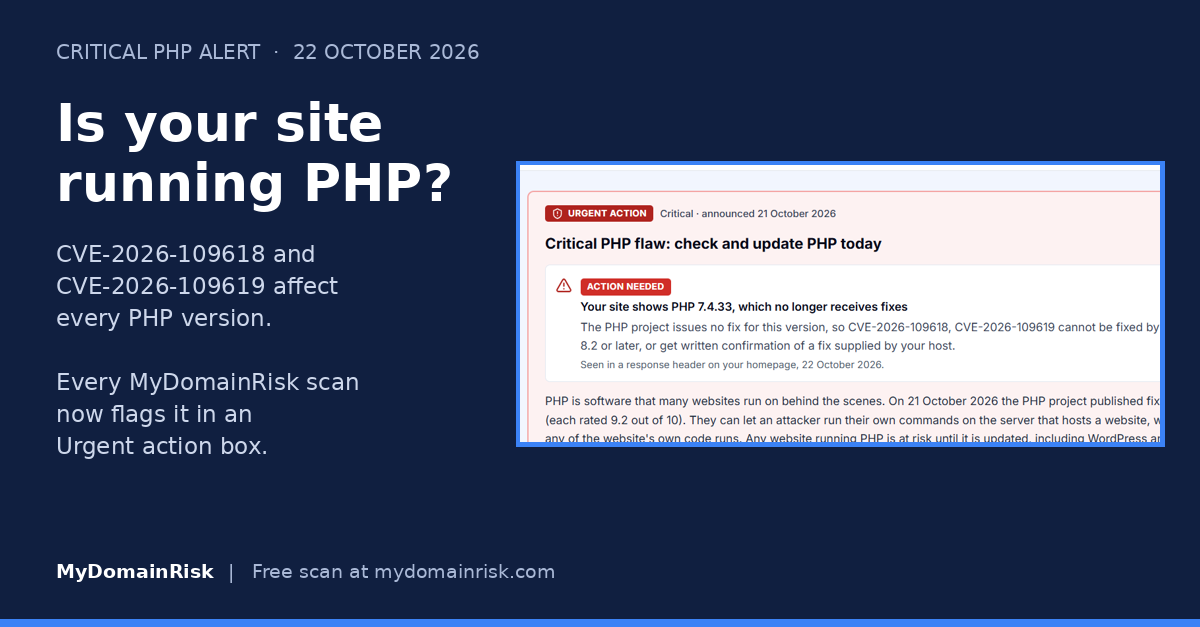
Every MyDomainRisk scan report now opens with an Urgent action box. For this issue it shows whether PHP was visible on your site from the outside, and what to do next. Register free, run a scan of your domain and look for the Urgent action box at the top of your report.
A clean result doesn't mean you are safe. Many sites don't reveal PHP from the outside, so treat the scan as one input and still confirm with your host or developer.
Register free and scan your domainSources
Last updated 22 October 2026. This guide gives general information and does not replace advice from your own IT or security provider.